The Ultimate Free Invoice Generator for Freelancers (US, UK, & Europe)
You aced the client discovery call, crushed the project milestones, and delivered top-tier work. Now comes the most satisfying part of being a solo entrepreneur: getting paid. But instead of celebrating, you find yourself staring at a blank screen, wrestling with messy spreadsheets, or trying to align stubborn tables in a word processor.
If you are still manually typing out your billing details every single month, you are losing more than just patience—you are losing billable hours. When you manage global clients across the US, UK, and Europe, standard billing becomes complicated. Tracking international currencies, setting clear payment terms, and maintaining a polished image requires a specialized tool. You need a frictionless, online invoice generator free of complicated setups so you can shift your focus back to growing your business.
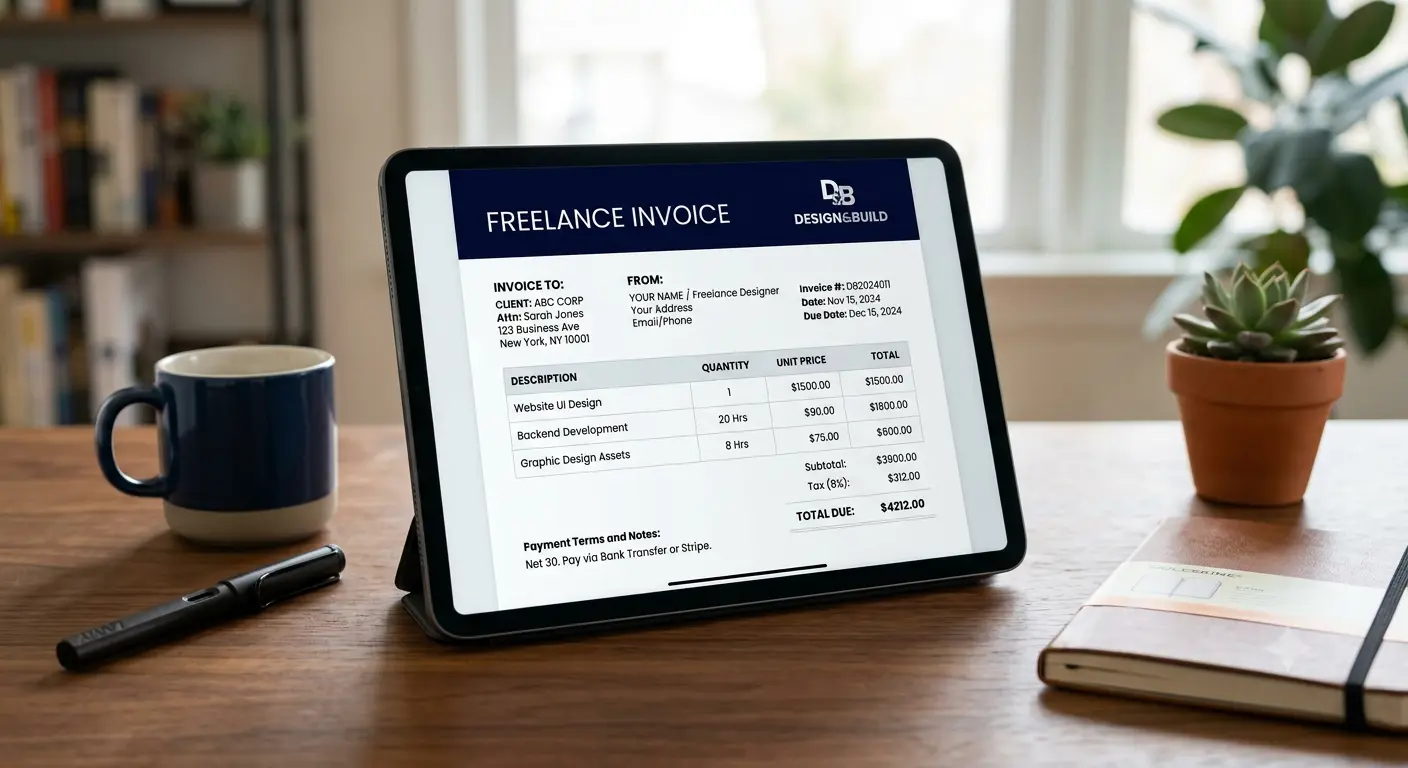
Why Traditional Billing Methods Fail Modern Freelancers
Many independent professionals start their journeys using basic text files or standard spreadsheets. While these work for your very first client, they quickly turn into an administrative bottleneck as your business grows.
Manual data entry naturally invites human error. A single misplaced decimal point or a mistyped bank account number can delay your payout for weeks. Furthermore, basic documents lack the cohesive branding needed to build trust with high-paying international clients. When an agency in London or a tech startup in New York receives a poorly formatted bill, it reflects poorly on your professional standards.
Using a dedicated freelancer invoice creator removes these administrative hurdles entirely. Instead of rebuilding the wheel every month, you input your data into a structured system that guarantees consistent, professional results every single time.
Key Features of the Best Free Invoice Generator
An exceptional billing utility should simplify your workflow, not complicate it. The right platform bridges the gap between basic templates and bloated, expensive accounting software.
Here is what makes a simple invoice template work seamlessly for your daily operations:
- Zero Learning Curve: You should be able to open the page, type your details, and download your document in less than 60 seconds without creating an account.
- Complete Customization: Easily upload your business logo, select your brand colors, and adjust tax fields depending on your client's tax jurisdiction.
- Global Currency Support: Effortlessly switch between USD ($), GBP (£), and EUR (€) to accommodate your clients across North America and Europe.

Navigating International Cross-Border Invoicing Seamlessly
Billing a client down the street is simple; billing a corporate entity across an ocean requires a bit more precision. Freelancers working with international partners must stay compliant with varying regional regulations.
Invoicing Clients in the United States (US)
When working with US-based companies, clarity is your best friend. Most American corporations require a clear breakdown of project milestones or hourly rates. Ensure your document explicitly mentions payment terms (like Net 30) and provides straightforward wire transfer or digital payment instructions.
Note: Don't forget to fill out your W-8BEN form if you are a non-US citizen working with American clients.
Invoicing Clients in the United Kingdom (UK) and Europe
For businesses operating within the UK and the European Union, tax compliance is critical. If your business is registered for VAT (Value Added Tax), your billing software for freelancers must clearly display your VAT registration number, the specific tax rate applied, and the total tax amount due. For cross-border EU transactions, ensure you understand the reverse-charge mechanism to keep your accounting spotless.
Guide on International Freelance Taxes
How to Structure a Professional Freelancer Invoice
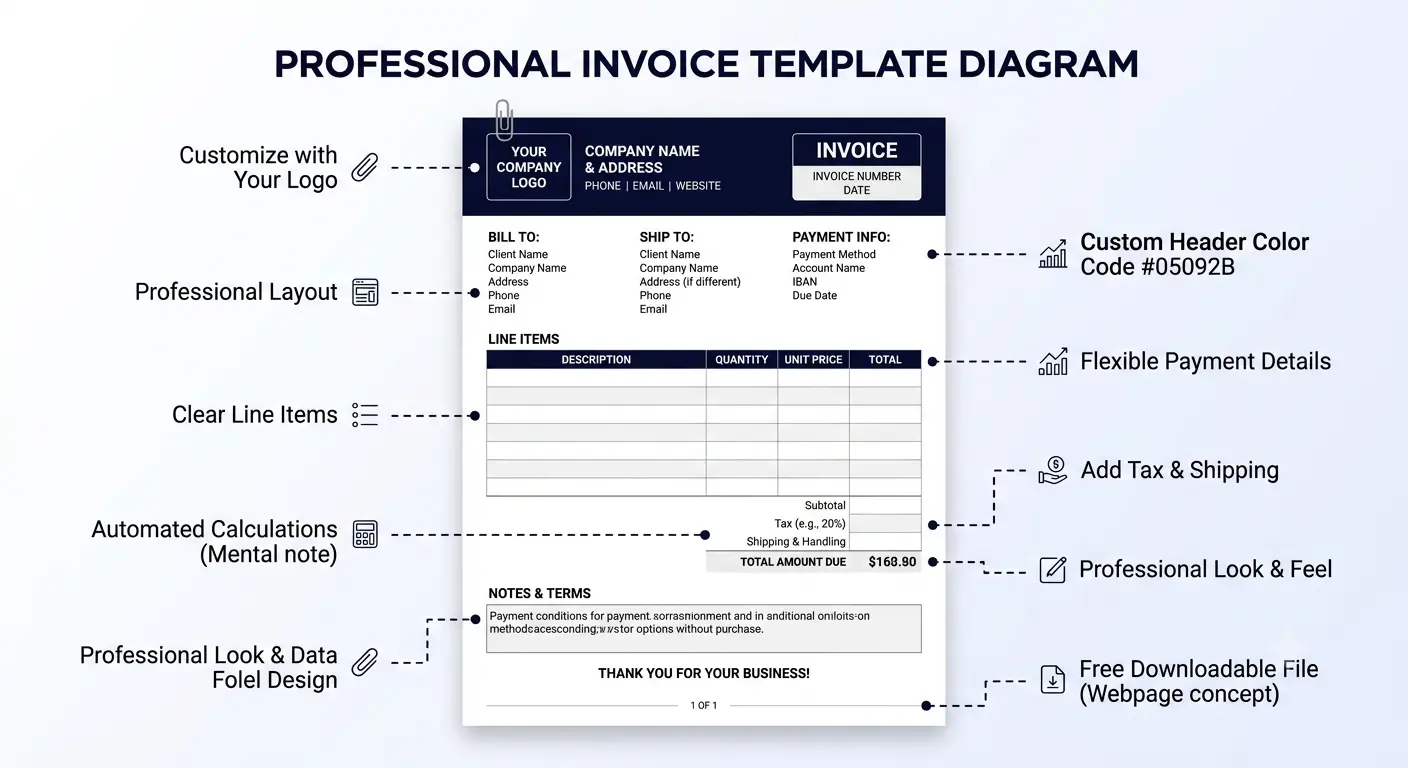
To ensure your documentation moves through your client’s accounts payable department without any friction, it needs to contain specific, predictable pieces of data.
| Required Element | Why It Matters for Your Business |
|---|---|
| Unique Invoice Number | Crucial for your tax records and helps clients track payments chronologically. |
| Detailed Contact Info | Includes full legal names, email addresses, and physical locations for both parties. |
| Itemized Services | Breaks down exactly what you are charging for (e.g., "5 Hours of Copywriting"). |
| Explicit Payment Terms | States exactly when you expect to be paid (e.g., "Due upon receipt" or "Net 15"). |
By utilizing an automated free invoice maker, these essential structural elements are locked into place automatically. You simply fill in the blanks, ensuring you never accidentally omit critical payment information again.
Step-by-Step Guide to Creating Your First Bill Online
Ready to send your first professional bill? Follow this simple walkthrough to get paid quickly using our online tool:
- Add Your Business Details: Enter your name or agency brand at the top, along with your contact coordinates. Upload a clean PNG version of your logo for a high-end corporate feel.
- Input Client Information: Double-check the billing address provided by your client's accounting team.
- Generate a Unique Identifier: Set your document number (e.g., #INV-001) and log the issue date along with the specific due date.
- Itemize Your Deliverables: Add rows for each individual service rendered. Specify whether it is a fixed-price project or billed at an hourly rate.
- Review and Download: Review the final totals for absolute accuracy, then click export to save a clean, printable invoice template free of watermarks, directly in PDF format.
Official W3C Web Standards for Data Security
Upgrade Your Professional Image and Save Valuable Time Today
At the end of the day, your billing documentation is a direct extension of your professional brand. Sending a clean, beautifully organized PDF communicates to your corporate clients that you run an organized, efficient business operation.
Stop drowning in manual data entry and letting administrative chores eat away at your creative energy. By switching to a dedicated invoice software for freelancers, you automate your administrative tasks, protect your cash flow, and ensure your business records remain flawless for tax season.

Take Control of Your Freelance Billing
Don't let clunky spreadsheets delay your hard-earned income. It is time to embrace a tool that is as fast, agile, and professional as the services you provide.
Use our free invoice generator today to create, customize, and export beautifully tailored, PDF documents for your clients in the US, UK, Europe, or anywhere else in the world. No sign-ups, no hidden fees—just pure, unadulterated efficiency.